Do you have lots of events in Apple Calendar? Perhaps you frequently enter variations of the same events, need to calculate how many hours you spent on something, want to move a group of events, or would like to tidy old events while keeping a useful summary.
Apple Calendar is great at keeping events, but editing lots of them or making sense of all that history can be tedious. That’s why I created Dejal Recal, a collection of focused utilities for creating, reviewing, and tidying calendar events.
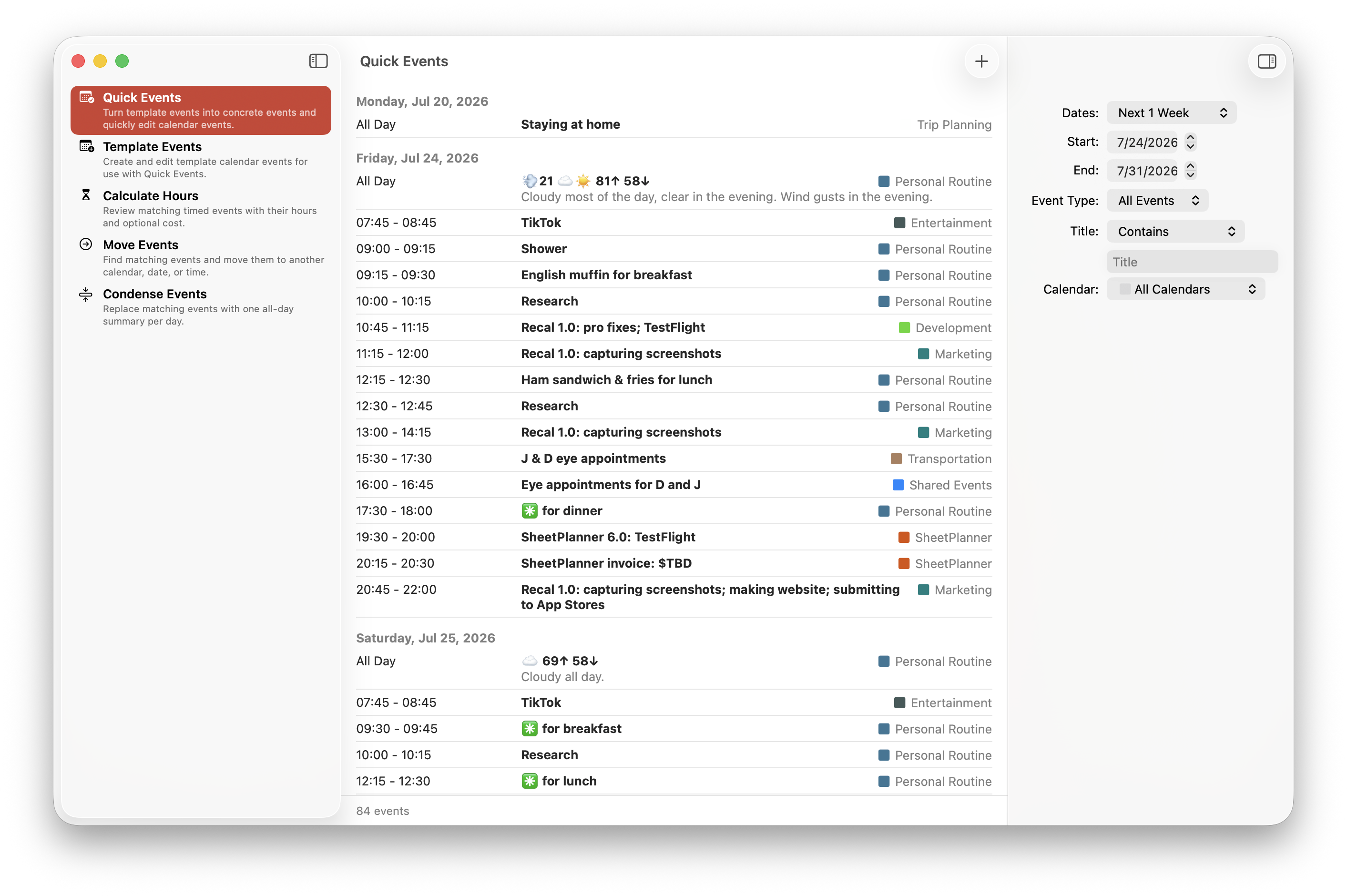
Each utility can work with a specific date range, selected calendars, timed or all-day events, and an optional title filter, so you can focus on just the events that matter.
Quick and reusable events
Quick Events makes it easy to create or update calendar events. It can turn reusable template events into concrete events, with support for titles, times, time zones, calendars, notes, and custom values.
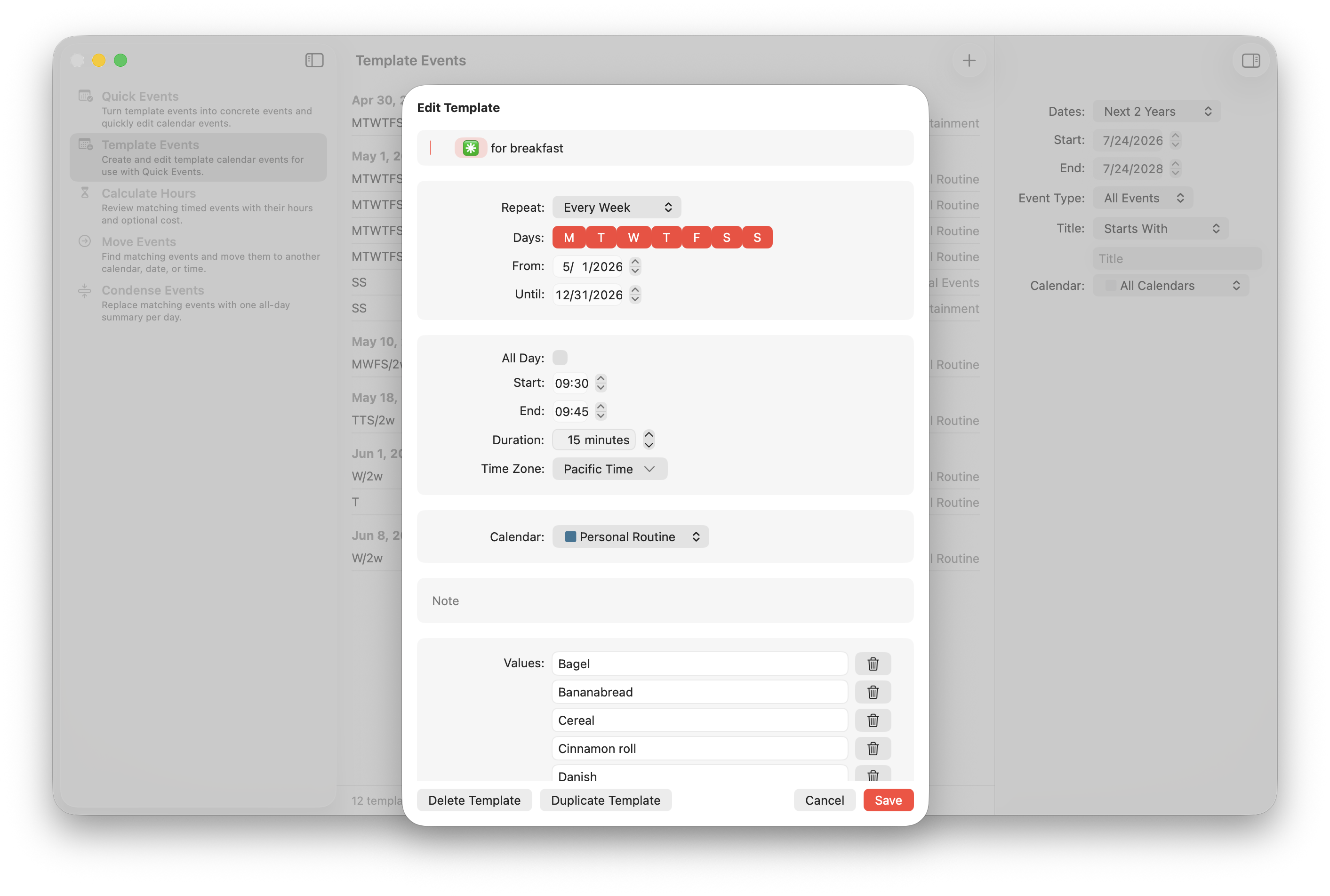
Template Events is where you build and edit those reusable templates. A template can include a repeating schedule and a placeholder with a list of values, which is useful when you regularly enter similar events with a few differences. Your templates sync privately via iCloud, so they’re available on all of your devices.
Calculate hours and costs
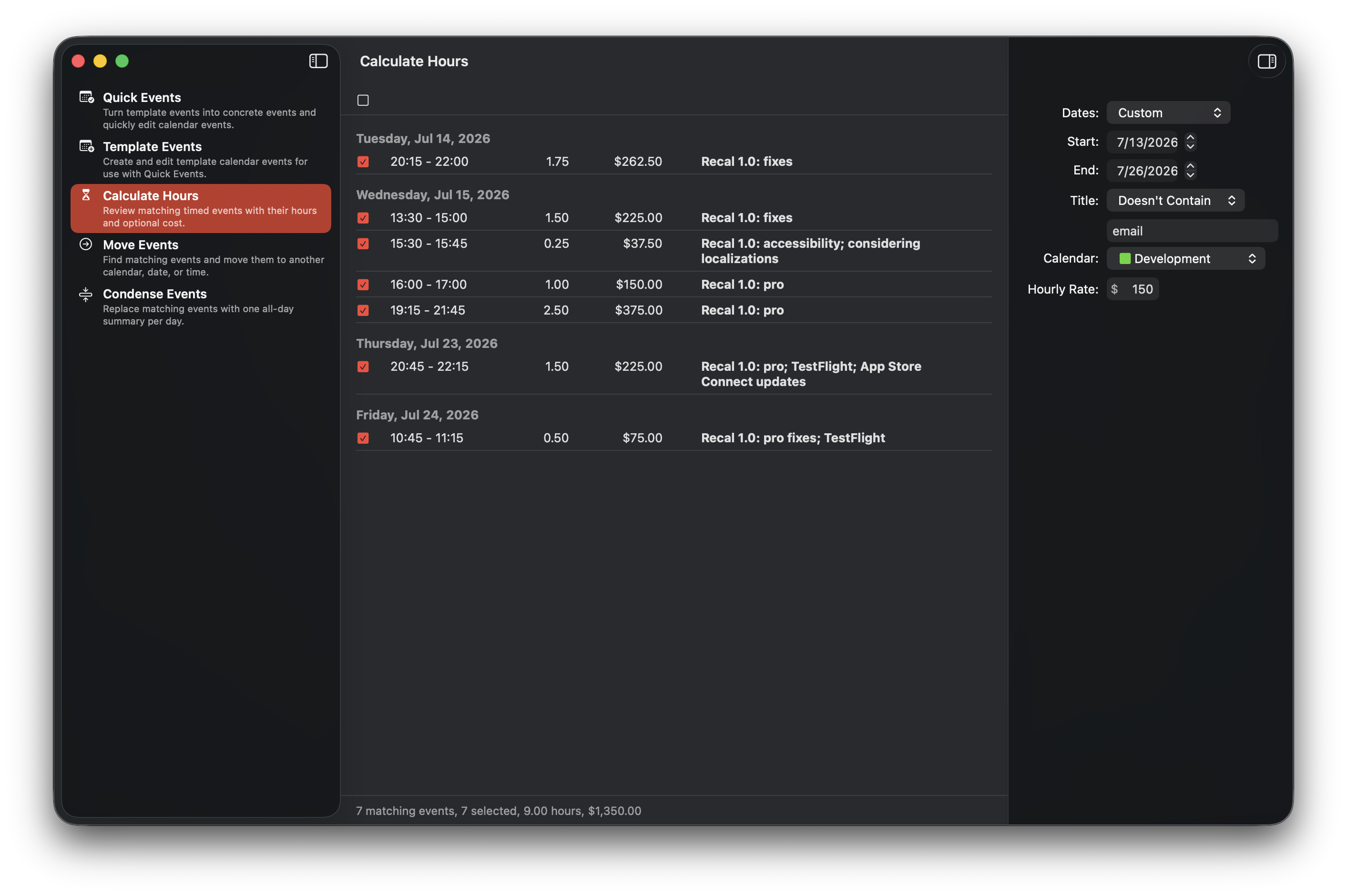
Calculate Hours totals the duration of matching calendar events. This is handy for reviewing how much time you spent on a project, client, activity, or anything else you record on your calendar.
With Recal Pro, you can also enter an hourly rate to calculate the corresponding cost.
Move and condense events
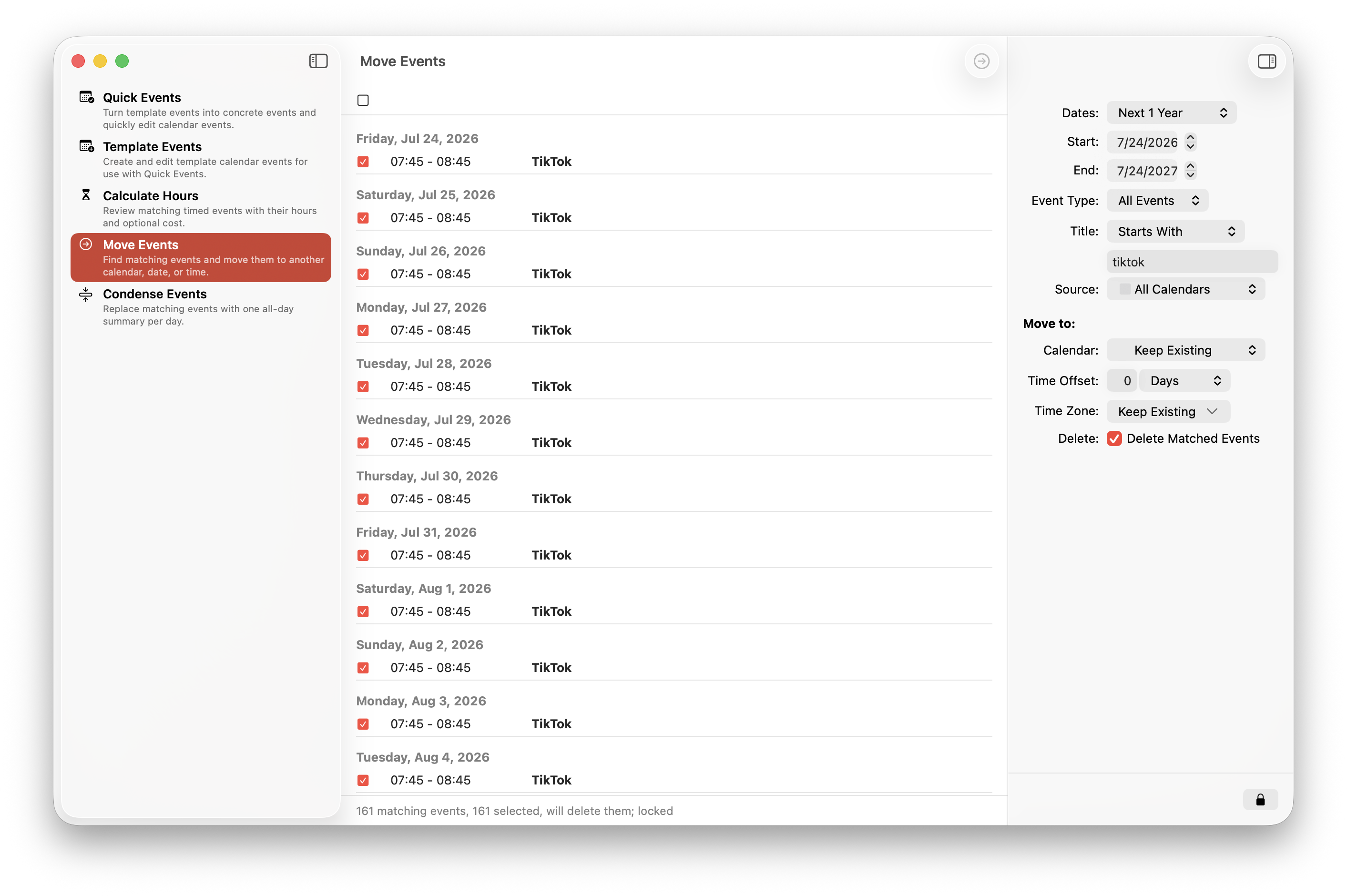
Move Events can move matching events to another calendar, date, time, or time zone, or delete matching events. You can preview the proposed changes before anything is updated.
Condense Events can replace a busy collection of events with one all-day summary for each day, while preserving the original details in the summary event’s notes. This is a convenient way to tidy old calendar history without losing the useful information.
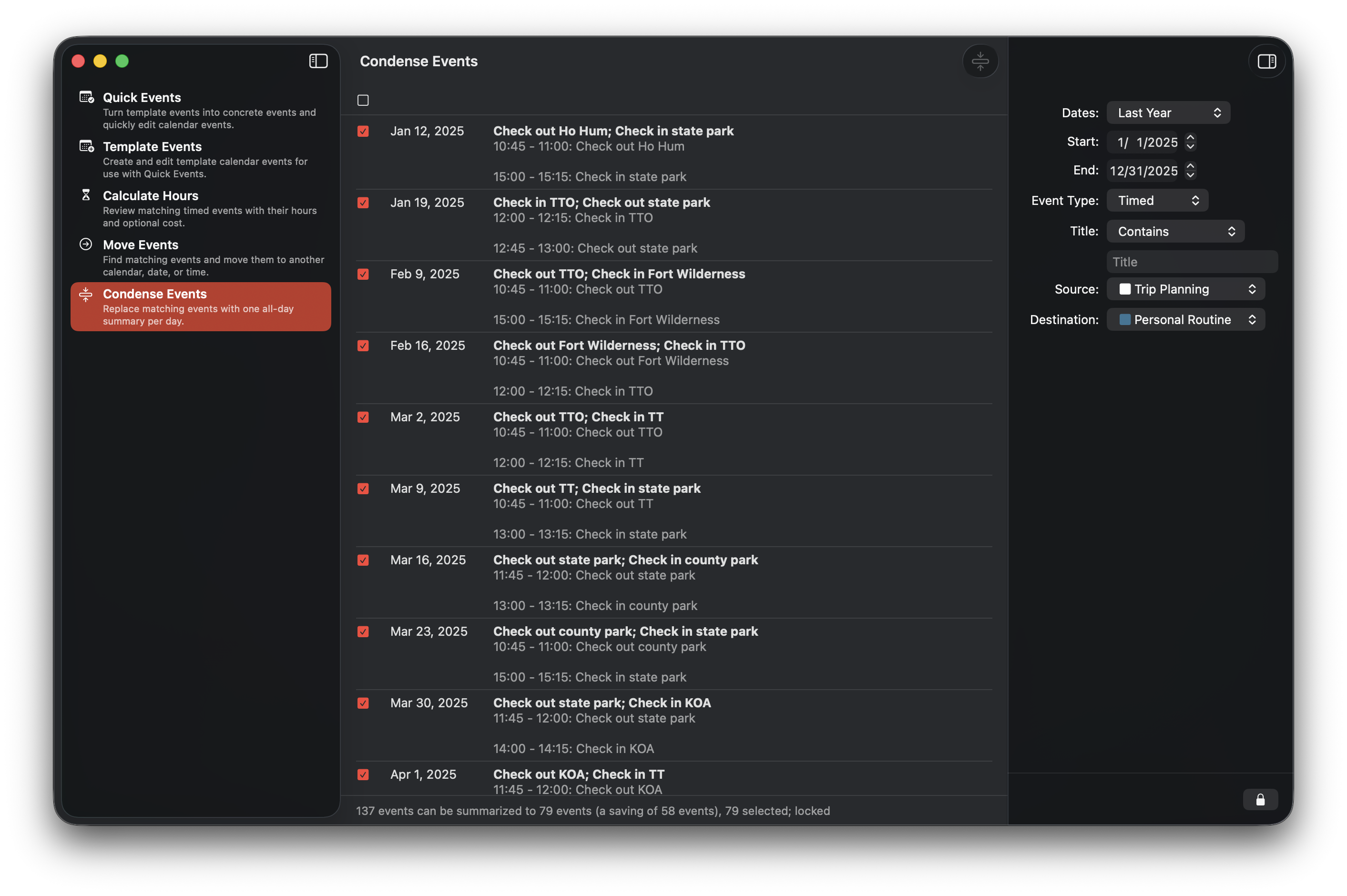
Since moving or condensing events can make significant changes, Recal shows you what it proposes to do first and requires you to explicitly unlock the operation before proceeding.
Privacy
Recal only accesses your calendars after you grant permission, and only makes the event changes you choose. Your templates sync privately through your iCloud account. Recal doesn’t include third-party trackers.
Recal Pro
Recal is free to download and useful without a purchase. Optional Recal Pro monthly, yearly, or lifetime purchases unlock unlimited templates, cost calculations, moving and condensing events, and other advanced features.
Want to try it?
Recal is available on the App Store for macOS, iOS, iPadOS, and visionOS. It requires OS 26 or later.