On vacation
· site

Read More
· site
Read More
· FAQ · Simon
Read More
· FAQ · Simon
Read More
· extras · Time Out
Read More
· FAQ · general
If you send an email to Dejal asking for support, you should expect a reply within 24 hours. If you don’t get one, chances are your email service has mis-flagged it as spam. So check your spam folder. If you use the contact form, and request a reply, you will get an automated reply email from the Dejal server within minutes, acknowledging receipt. And will get a personal reply within 24 hours, if needed. So if you don’t get that automatic reply, again check your spam folder. I know it’s frustrating to write to a company and not get a reply. As an indie developer, I strive to provide excellent…
Read More
· consulting · NewsBlur · SheetPlanner · Simon · summary · Time Out

Read More
· FAQ · Simon
Read More
· general
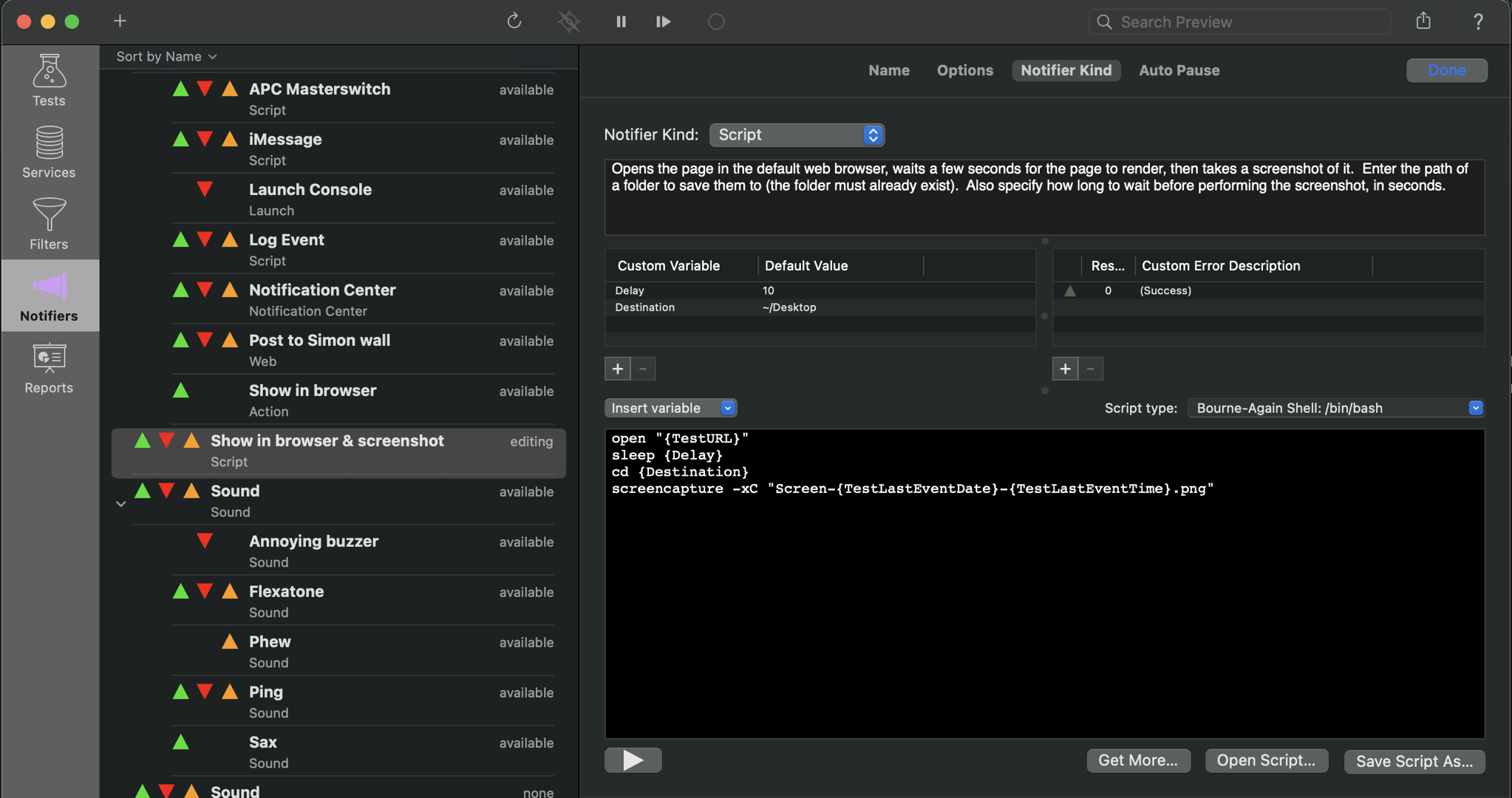
[Like other recent posts, this is an updated repost of an older post from the previous Dejal blog; here’s the original in the web archive for comparison.] I take a lot of screenshots while documenting my apps, and for my personal Sinclair Trails blog. While I’ve used third-party tools in the past, Apple’s built-in screenshot tools work really well. The simplest is the whole-screen screenshot hotkey. Pressing ⇧⌘3 (Shift-Command-3) will save a PNG image of the whole screen (or multiple pictures if you have multiple screens) to the Desktop. (You can change the hotkey via the System Settings ▸…
Read More
· FAQ · general
Did you know that the Dejal blog is automatically cross-posted to Micro.blog, Mastodon, and Twitter? You can read the blog on the Dejal website, via a RSS reader, on Micro.blog @dejal, on Mastodon @Dejal@micro.blog, or on Twitter @dejal.
Read More
· FAQ · Simon
Read More
· release · Simon
Read More
· FAQ · Simon
Read More
· FAQ · Simon
Read More
· release · Simon
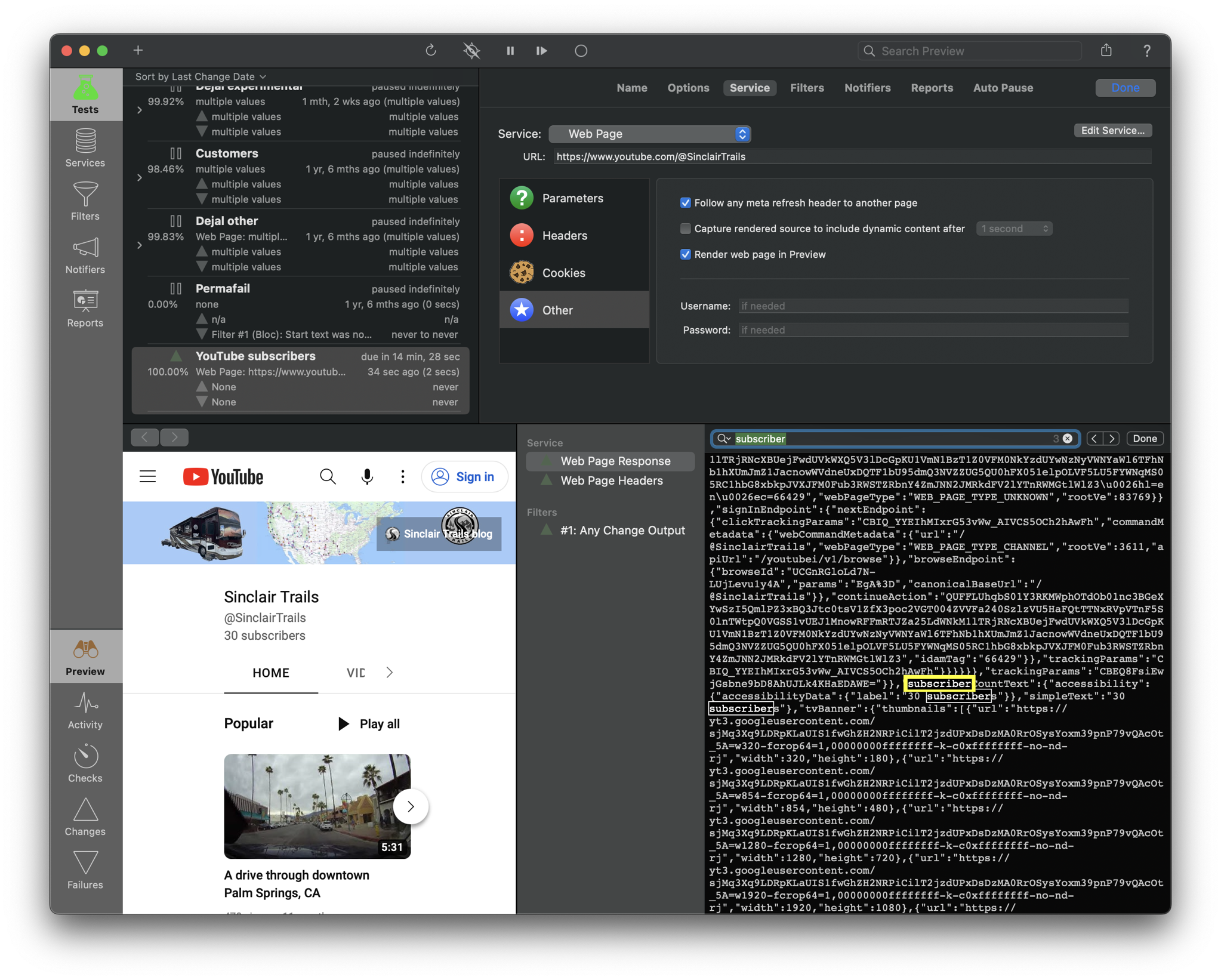
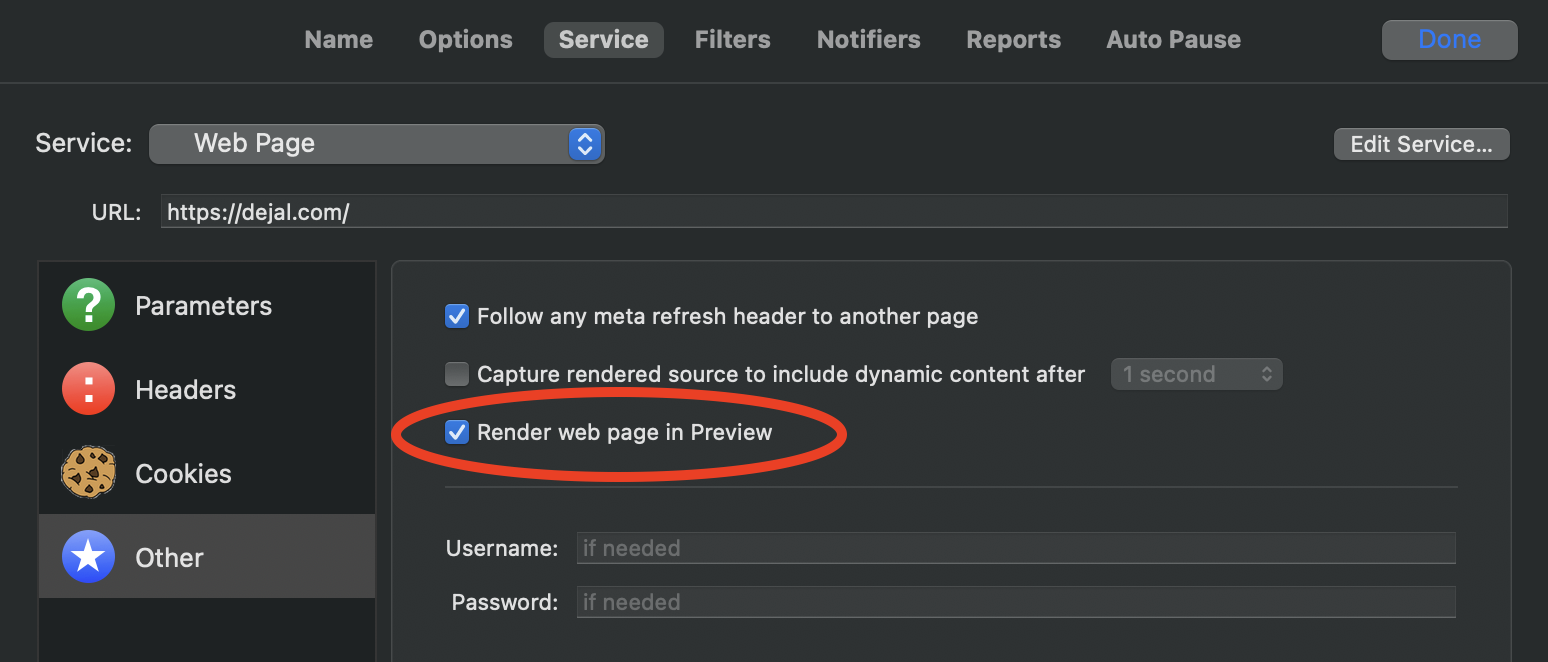
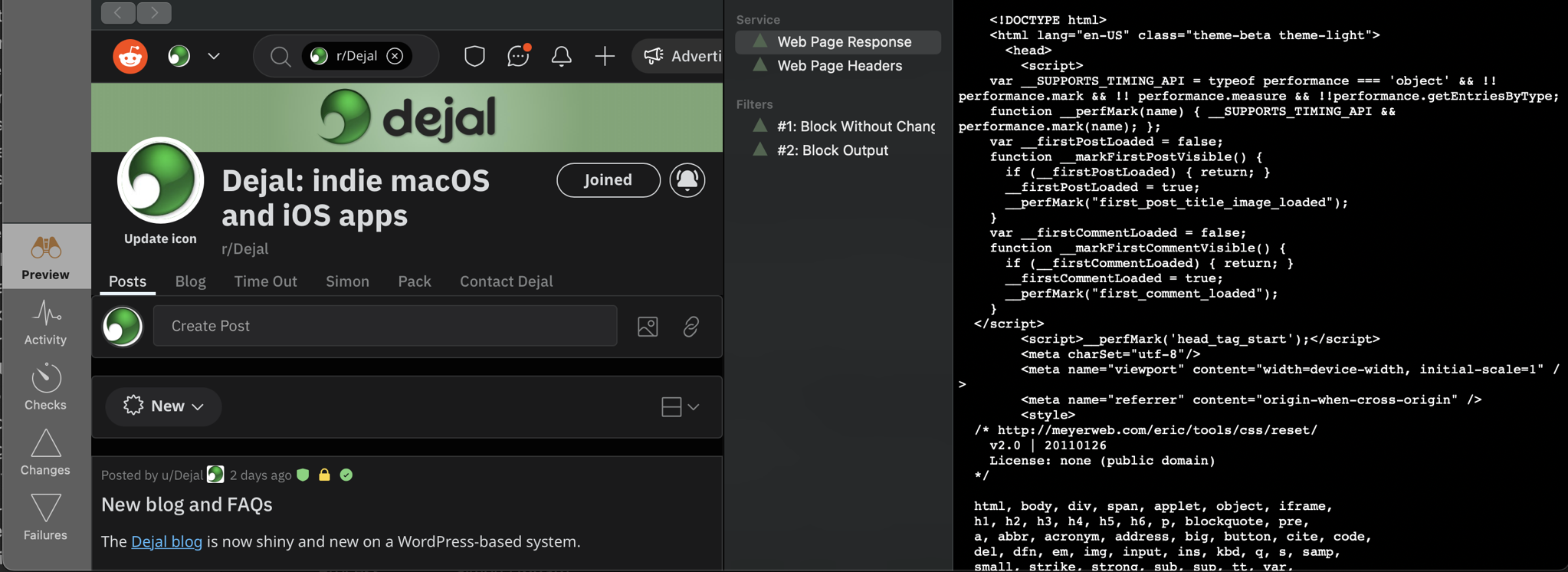
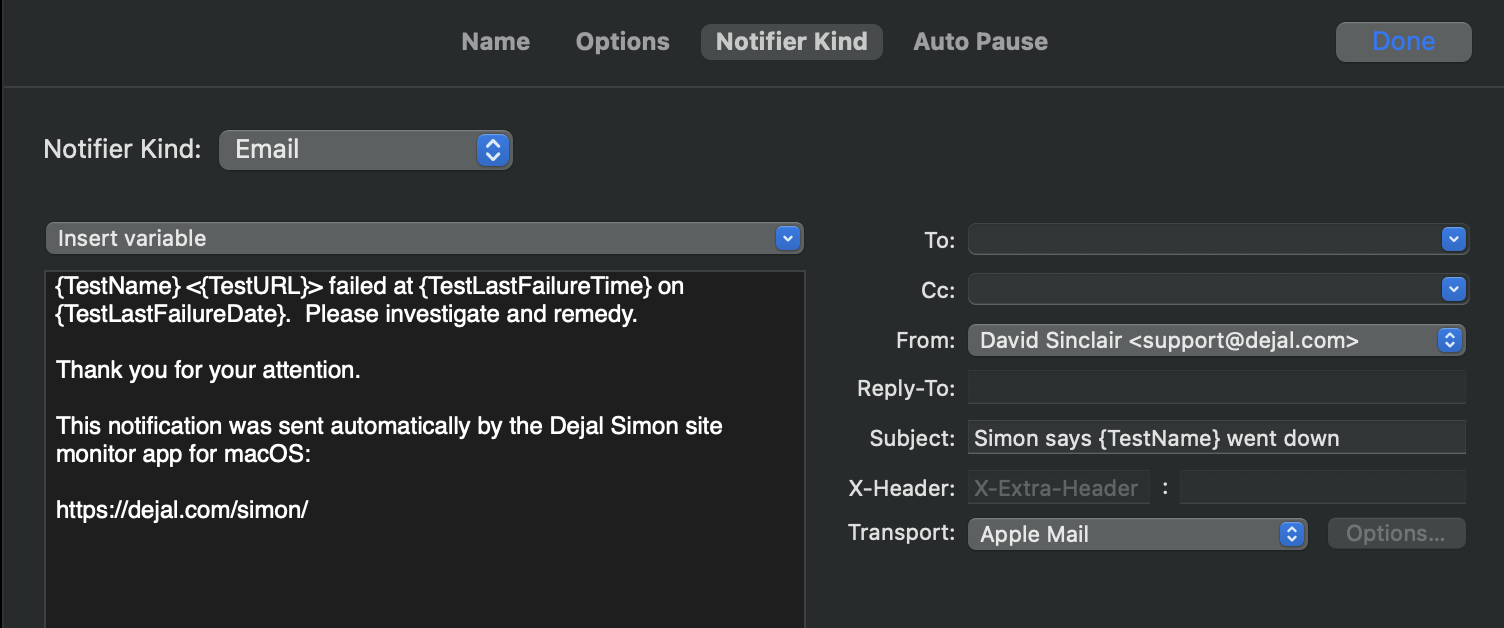
A second beta of Simon version 5.1 is now available. Version 5.1b2 just has a few improvements: Added an option on the Advancedsettings page to show the Debug menu, as an easier way to toggle it. Updated the example tests. Updated French localization. As a reminder, version 5.1 includes lots more changes since the previous release, including: New Web Page test option to render the page in the Preview Added a new option to the Other page when editing a Web Page test to control whether or not to render the page in the Preview. By default it is on, preserving the usual behavior. But if you turn…
Read More
· FAQ · Simon
Read More
· FAQ · Time Out
The direct edition (available from this site), the Mac App Store edition, and the Setapp edition are very similar, but there are a few minor differences: Download The direct edition can be downloaded from this site. The Mac App Store edition can be downloaded from the App Store app. The Setapp edition can be downloaded from the Setapp app. Installation The direct edition will download to your Downloads folder, so simply drag it into your Applications folder to install. The Mac App Store edition will be downloaded directly into the Applications folder. The Setapp edition will be downloaded…
Read More
· FAQ · Time Out
Look in your Dock and menu bar; does Time Out appear more than once? If it's in the Dock more than once, you can long-click or right-click on the Dock icon to display the Dock menu for the app, then choose Options ▸ Show in Finder to reveal the app in the Finder. Do this for each to find the one that shouldn't be there — it could be in your Downloads folder, or in a subfolder of Applications if you installed both from the Dejal site and the Mac App Store. Once you find the duplicate, quit that app (by double-clicking the app icon to bring it to the front, then press ⌘Q), then move it to the…
Read More
· FAQ · Time Out
Read More
· FAQ · Time Out
If no break appears when you manually start one, or as scheduled, there are a few possibilities. Firstly, look in the sidebar; it should indicate why a break didn’t occur. You should restart your Mac. That often fixes wackiness. If that doesn’t help, make sure you don’t have more than one copy of Time Out. If still no luck, there may be a permissions issue. To fix a permissions issue, try this: Make sure Time Out is in your Applications folder. Paste the following command into Terminal: xattr -d -r -s com.apple.quarantine /Applications/Time\ Out.app If this gives a permissions error (e.g.…
Read More
· FAQ · Time Out
Read More